Software that fits the business
How to modernise business software without replacing everything.
The software is established, and the business depends on it. Employees understand its exceptions. Integrations receive little attention while they keep working. But changes are becoming harder, or the business needs capabilities the current structure does not support well.
Replacing everything can sound like a clean solution. First, understand which knowledge and behaviour must survive, and what can improve through a more focused change.
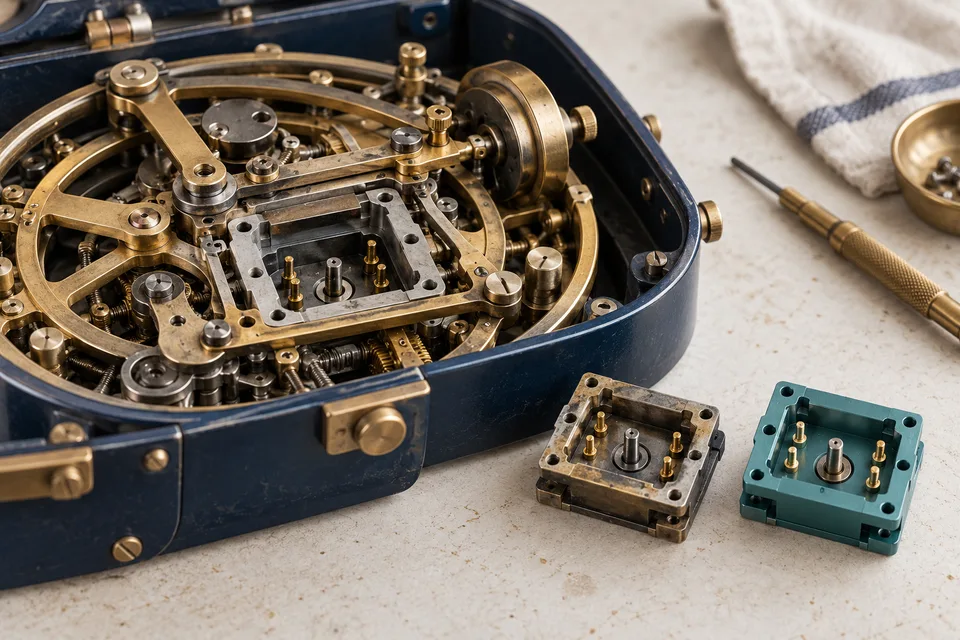
Selective modernisation starts with understanding which behaviour and knowledge must remain.
Map what the system actually does
Start with important workflows and dependencies. Which activities cannot stop? Where is a price or status determined? Which applications, exports and external organisations use the same information?
Talk to employees too. An unusual field may represent an agreement documented nowhere else. A manual step may compensate for a real limitation, or simply be an old habit. Understand the distinction before removing it.
Separate three different kinds of problem
A technical limitation might make a component difficult to maintain. A product problem might make information hard to find. A material risk might concern access or recovery.
These do not necessarily need the same intervention. A new interface does not repair an unclear data model. Moving to another cloud does not automatically correct permissions. A complete replacement is not always required to improve a frustrating task.
Record each problem’s consequences, dependencies and possible responses. That creates a sequence of work you can justify.
Choose a change with a clear boundary
A useful first step has a defined responsibility: replacing an integration, isolating an important calculation or building a new application on controlled business capabilities.
Specify what must remain consistent. What data does an existing application expect? Which outcomes do employees depend on? Which behaviour is intentionally changing?
This becomes a transition agreement. Existing behaviour is not untouchable, but changes are made with the consequences understood.
Take an established pricing calculation that a new dealer portal also needs. Do not start by rewriting it from a handful of quotations. Collect representative situations, including discounts, rounding and exceptions. Ask sales to explain which differences are intentional. Then assess whether to expose, separate or replace the existing calculation.
Test the transition, not just the destination
Old and new versions may coexist. Mobile devices may update later than an office application. An external system may still consume an earlier data format.
Test that intermediate period, repeatable migration steps and interruption halfway through a change. Recovery can require more than deploying the old code again.
For each transition, agree which version may change data, how differences will be checked, when to stop and who decides whether to continue. If the new version has changed orders, restoring an old application does not automatically make those records compatible again. Test the recovery path in a separate environment before switching.
Our quality and operations approach and cloud architecture guidance explain these decisions in more detail.
Keep knowledge inside the business
Documentation should explain meaning, not just list files: the role of the data, reasons behind important decisions and how the system is investigated and operated.
At a building materials supplier, we maintain and modernise existing applications while supporting the internal developers. Product calculations and branch-specific stock information are part of the knowledge that needs to survive a technical change.
When a larger replacement is justified
A broader rebuild can be appropriate when the current structure fundamentally restricts the intended business. You still need to understand which capabilities, data and commitments must transfer, how the transition works and who has capacity to carry it.
Make the case for a larger replacement specific. Perhaps a required way of working cannot be supported by the existing structure, or an essential component cannot be responsibly maintained. Compare those constraints with the consequences of targeted changes. The age of the system alone does not establish the better choice.
The decision is not old versus modern. It is the best-supported route towards the business you want to operate. Our modernisation approach describes the engagement and deliverables. If you have an internal team, we can also work alongside your developers.
Your next step
What do you want to make possible?
You do not need a software specification to start.